
Help Desk Software · Buying Guide
10 Best Zendesk Alternatives in 2027: Pricing & Features
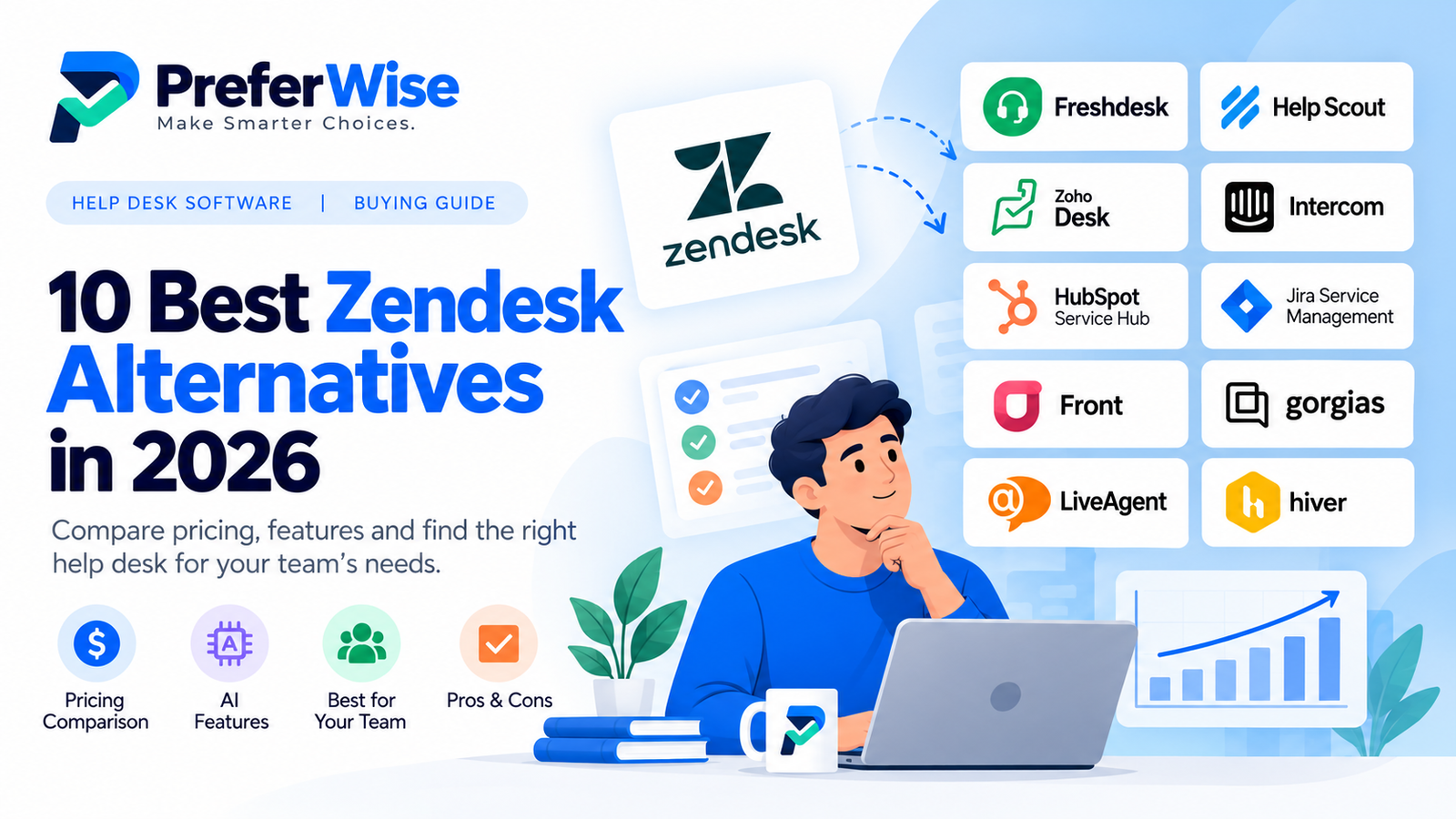
Zendesk is a capable customer service platform, but it may not be the right fit for every support team. If you want simpler workflows, more predictable costs, or a better fit for your existing tools, these Zendesk alternatives are worth comparing.
Which Zendesk alternative should you choose?
The right choice depends on what you want to improve. A small team that mainly answers email has different needs from an e-commerce company handling order questions or an IT department managing internal requests.
Freshdesk is a natural starting point for teams seeking a traditional help desk. Help Scout suits teams that prefer a shared inbox and straightforward customer conversations. Zoho Desk is worth a look if budget matters or your business already uses Zoho. For product-led support and AI, compare Intercom; for CRM-connected support, consider HubSpot Service Hub.
Treat these as starting points, not a universal ranking. Your ticket volume, channels, integrations, reporting requirements, and AI usage can change which product offers the best value.
Best Zendesk alternatives at a glance
| Software | Best fit | Why consider it? | Watch out for |
|---|---|---|---|
| Freshdesk | General customer support | Familiar ticketing and support workflows | Check AI add-ons and plan limits |
| Help Scout | Small and mid-sized support teams | Shared inbox and customer-focused communication | Advanced features depend on the plan |
| Zoho Desk | Budget-conscious teams | Multiple tiers and a free edition | Check user limits and paid feature gates |
| Intercom | Product-led and AI-assisted support | Messaging, help desk, and AI agent options | AI outcomes and channel usage can add cost |
| HubSpot Service Hub | CRM-connected support | Customer context alongside service activity | Check seat costs, credits, and onboarding |
| Jira Service Management | IT and internal service teams | Request management and service workflows | May be more IT-focused than a customer help desk |
| Front | Email-heavy customer operations | Team collaboration around shared communication | Verify channel and automation requirements by plan |
| Gorgias | E-commerce support | Support workflows designed around online stores | Check ticket or usage-based pricing carefully |
| LiveAgent | Multi-channel support | Combines support channels and ticket management | Compare channel and feature availability by tier |
| Hiver | Teams working in Gmail | Shared inbox workflows built around email | May not replace every advanced help desk function |
This shortlist is organized by use case, not by independently measured performance. Confirm current features, eligibility, and prices on each vendor’s official website before purchasing.
Why are teams looking for Zendesk alternatives?
1. The total cost is more than the advertised seat price
A per-agent subscription is only one part of the bill. Depending on the platform, your final cost may include higher-tier plans, AI usage, additional channels, advanced reporting, integrations, or onboarding. A cheaper starting plan is not necessarily cheaper for your actual team.
2. Some teams need less complexity
A business that mainly handles email requests may not need a broad customer service suite. A shared inbox or simpler ticketing system can be easier to adopt. On the other hand, teams with complex routing, service-level agreements, and multiple support channels may benefit from a more comprehensive platform.
3. AI pricing can be difficult to compare
AI features are not always included in the base subscription in the same way. One product may charge for agent seats, another for AI resolutions, and another may limit usage by plan or credits. Compare the billing unit and included allowance—not just whether the product advertises AI.
4. Your team may need a different workflow
E-commerce support, IT service management, CRM-driven customer service, and email collaboration are different jobs. Choosing software designed for your team’s daily workflow can matter more than choosing the product with the longest feature list.
The 10 best Zendesk alternatives to evaluate
1. Freshdesk — a practical starting point for traditional help desk teams
Freshdesk is worth comparing first if you want ticket management and familiar customer support workflows without automatically moving to another enterprise-oriented suite. It offers plans for different support needs, with AI-related capabilities and add-ons that should be checked against your expected usage.
Best for: Businesses that want a conventional customer support help desk.
Potential drawback: The entry plan may not include every AI or advanced workflow feature your team expects.
Before buying: Calculate the price for all agents and any AI Copilot or additional AI sessions you expect to use.
Read our Zendesk vs. Freshdesk comparison and Freshdesk pricing guide. Check official pricing.
2. Help Scout — for teams that value a shared inbox
Help Scout is a strong candidate for teams whose work revolves around email, shared conversations, and a help center. Its approach can feel more natural to a smaller support team that wants collaboration without building a highly customized ticketing operation.
Best for: Small and growing teams that prioritize clear customer conversations.
Potential drawback: Advanced workflows, service-level policies, and larger-team controls vary by plan.
Before buying: Check included users, inbox limits, automation limits, and AI answer charges.
Read our Help Scout vs. Freshdesk comparison. Check official pricing.
3. Zoho Desk — for budget-conscious teams
Zoho Desk deserves a close look if affordability is important or your business already uses other Zoho products. It offers a free edition and multiple paid tiers, so you can evaluate whether the included functionality meets your needs before paying for more advanced tools.
Best for: Smaller businesses and teams interested in the Zoho ecosystem.
Potential drawback: User limits, automation, telephony, and other capabilities vary by edition.
Before buying: Map your required features to the exact plan and confirm whether the free edition has enough users.
Read our Freshdesk vs. Zoho Desk comparison and Zoho Desk pricing guide. Check official pricing.
4. Intercom — for messaging-led and AI-assisted support
Intercom is worth evaluating when your customer experience depends on in-app messaging, live chat, help content, and AI-assisted support. Its pricing model combines seat costs with usage-based charges for Fin AI outcomes, so the subscription price alone does not tell the whole story.
Best for: SaaS and digital businesses that want messaging and AI closely connected to support.
Potential drawback: AI outcomes and other usage-based services can increase the total bill.
Before buying: Estimate human seats, AI outcomes, and any paid channel usage using a realistic monthly workload.
Read our Intercom vs. Zendesk comparison and Intercom pricing guide. Check official pricing.
5. HubSpot Service Hub — for CRM-connected customer support
HubSpot Service Hub makes sense when support agents need context from sales, marketing, and customer relationship records. It may be a better fit than a standalone help desk for organizations that want service activity connected to a broader CRM workflow.
Best for: Teams that already rely on HubSpot or want customer data connected across departments.
Potential drawback: Professional and Enterprise plans can be a significant commitment, and some plans have onboarding fees.
Before buying: Confirm seat pricing, included credits, onboarding charges, and which service features require a higher tier.
6. Jira Service Management — for IT and internal service teams
Jira Service Management is a different kind of alternative. It is especially relevant when your organization handles IT requests, internal service desks, incidents, and structured service workflows. It may be a better fit for technical service operations than a tool focused primarily on customer conversations.
Best for: IT teams and organizations managing internal service requests.
Potential drawback: It may not be the most natural choice for a customer-facing support team that mainly needs email and live chat.
Before buying: Check agent licensing, request access, automation limits, and integration requirements.
7. Front — for collaborative email-heavy teams
Front is worth considering when customer requests arrive across shared email addresses and communication channels, and multiple teammates need to collaborate on a response. Its appeal is the shared communication workflow rather than simply replacing one ticket queue with another.
Best for: Customer operations teams that coordinate through shared communication channels.
Potential drawback: Confirm that the plan covers your required channels, analytics, and automation.
Before buying: Test the way conversations are assigned, shared, and reported on by your team.
8. Gorgias — for e-commerce customer support
Gorgias is a specialized option for online stores. It is worth evaluating if your support team needs workflows connected to shopping activity, order information, and common e-commerce questions. A general-purpose help desk may not offer the same store-focused workflow out of the box.
Best for: E-commerce brands, particularly those that need support connected to store operations.
Potential drawback: Pricing can depend on the plan and usage model, so compare it with your actual support volume.
Before buying: Check store integrations, included ticket volume, and how extra usage is charged.
9. LiveAgent — for multi-channel support
LiveAgent is another option to evaluate if your support team wants ticket management alongside multiple customer communication channels. It may be relevant for teams that want to consolidate channels rather than manage separate tools for every interaction type.
Best for: Teams that need several support channels in one workflow.
Potential drawback: Confirm which channels and advanced capabilities are included in the plan you choose.
Before buying: Test your most important channels and check any limits that could affect daily support.
10. Hiver — for teams that want to work from Gmail
Hiver is worth a look if your team already works heavily in Gmail and wants shared inbox and collaboration features within that familiar environment. It can reduce the need to move every customer interaction into a separate help desk interface.
Best for: Teams that organize support around Gmail-based shared inboxes.
Potential drawback: A Gmail-centered workflow may not replace the advanced service management features some larger teams require.
Before buying: Verify reporting, automation, integrations, and the features included in each tier.
How to compare the real cost of Zendesk alternatives
Avoid choosing a replacement based only on the lowest advertised monthly price. Work out the cost for your own team and usage before deciding.
Start with your number of agents
Multiply the per-seat price by the number of agents who need paid access. Check whether billing is monthly or annual, whether there is a minimum number of seats, and whether occasional collaborators need a paid seat.
Include AI and usage charges
Write down how each product bills for AI: per seat, resolution, session, credit, or another unit. Then estimate your likely monthly usage. A product with a lower subscription can still cost more if your team relies heavily on paid AI actions.
Check feature restrictions and add-ons
Confirm that your selected tier includes the features you actually need: automation, service-level agreements, reporting, routing, knowledge base, integrations, and multiple support channels. Do not assume a feature shown on the product’s main page is included in its cheapest plan.
Estimate the cost of switching
Migration can require staff time, data cleanup, workflow rebuilding, integrations, and training. Ask vendors what data they can import and what support is included. A lower subscription is less attractive if the migration creates substantial operational work.
A simple cost comparison
For each candidate, estimate:
- Paid seats × price per seat
- AI or usage-based charges
- Required add-ons and integrations
- Onboarding and migration costs
- Any minimum commitment or annual billing requirement
Compare these totals over the same period and for the same expected workload. That is a more useful comparison than headline starting prices.
If pricing is your main concern, continue with our Zendesk pricing guide, Freshdesk pricing guide, Intercom pricing guide, and Zoho Desk pricing guide.
What to check before leaving Zendesk
Switching help desk software affects more than the support team’s interface. Before committing, test the tasks your team performs every day and verify that the replacement can handle them.
- List the channels your customers use and confirm that each is supported.
- Test ticket history, customer records, attachments, and migration options.
- Rebuild and test routing rules, macros, automations, and escalation policies.
- Check reporting requirements and whether historical data can be retained.
- Confirm integrations with your CRM, e-commerce platform, and internal tools.
- Estimate the full cost for your actual number of agents and AI usage.
- Run a pilot with a small group before moving the whole support team.
If your needs are more general, start with our help desk software guide for small businesses . If cost is the priority, compare the options in our free help desk software guide. Teams evaluating AI features can also explore our AI help desk software guide.
How we approached this comparison
This guide groups software by intended use case and highlights the pricing and feature questions buyers should verify. It is not a claim that every product was independently tested under identical conditions.
Product features, plan names, regional pricing, and usage limits can change. Before publishing this guide, verify the current details on each linked vendor pricing page and update the review date after checking. We recommend comparing products against the same team size and workload rather than relying on marketing claims alone.
PreferWise may earn a commission if you purchase through qualifying affiliate links. This does not change the need to describe products accurately or explain the trade-offs relevant to buyers. Read our affiliate disclosure and how we rank products.
Frequently asked questions
What is the best alternative to Zendesk?
There is no single best option for every team. Freshdesk is a useful starting point for traditional help desk workflows, Help Scout for shared inbox collaboration, Zoho Desk for budget-conscious teams, and Intercom for messaging-led and AI-assisted support. Compare the required features and total cost before choosing.
Are there free alternatives to Zendesk?
Some customer support platforms offer free editions or free tools, but their user limits and feature availability vary. Check the current terms of Zoho Desk, HubSpot Service Hub, and other candidates directly with their vendors. A free plan may not include the automation, reporting, or channels your team needs.
Which Zendesk alternative is best for a small business?
Small businesses should begin by identifying their must-have channels, team size, and expected ticket volume. Freshdesk, Help Scout, and Zoho Desk are sensible candidates to compare, but the best fit depends on which features are included at the price your team can afford.
Which Zendesk alternative is best for AI support?
Intercom is one option to evaluate for AI-assisted customer service. Freshdesk and other help desk platforms also offer AI-related capabilities. Compare the tasks the AI can perform, included usage, overage charges, escalation to a human agent, and the way outcomes are billed.
Is a cheaper help desk always better?
No. A lower starting price may exclude essential features or impose limits that force an upgrade. Compare the complete monthly cost, required add-ons, migration effort, and whether the product supports your team’s actual workflow.
How difficult is it to switch from Zendesk?
The effort depends on the amount of data, the number of integrations, and how much automation your team has built. Before switching, check the vendor’s migration tools, data export options, and support for importing ticket history and attachments. Pilot the new system before moving every agent.