
Help Desk Software · Buying Guide
10 Best Freshdesk Alternatives in 2027: Pricing & Features
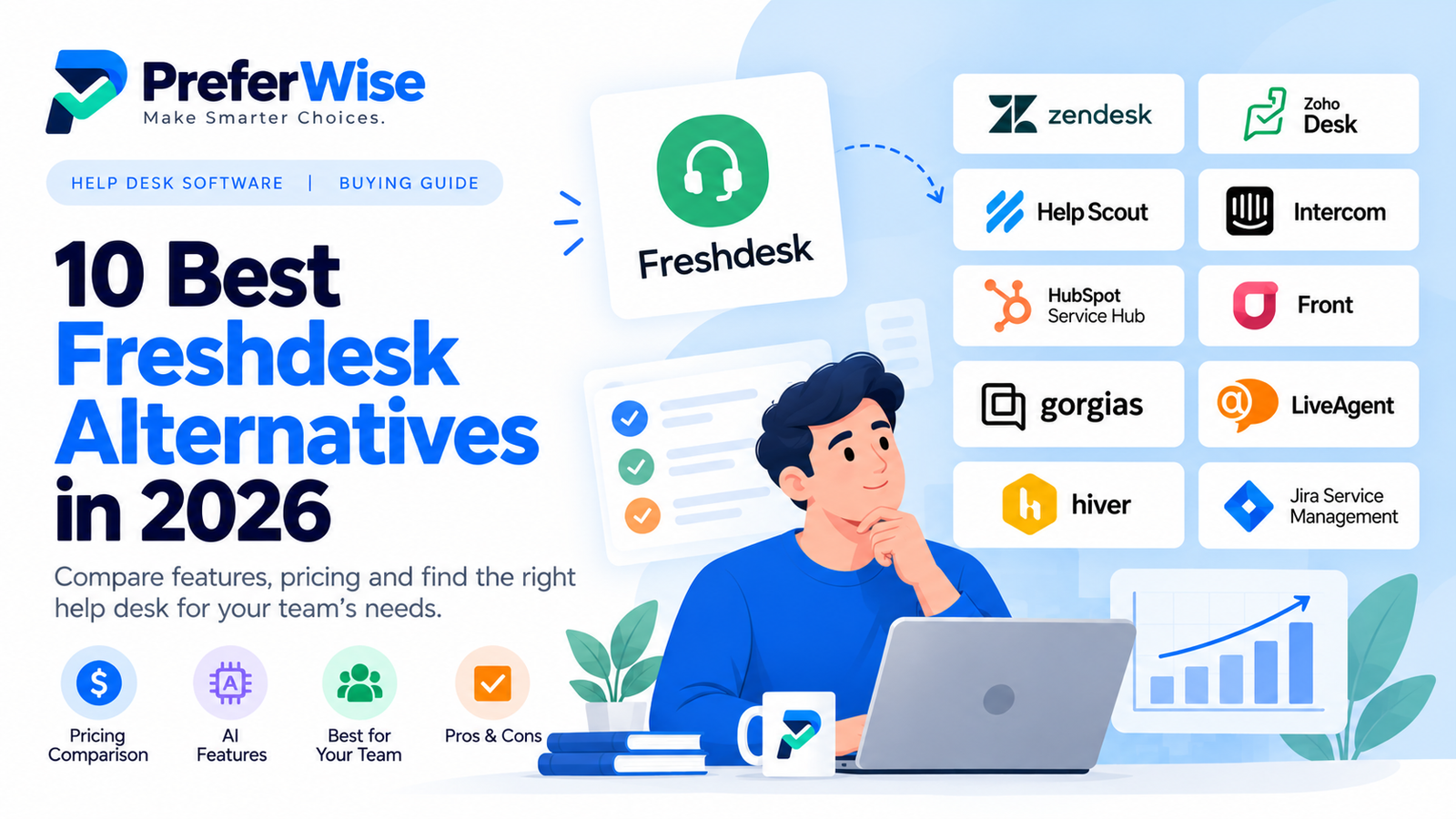
Freshdesk works well for many support teams, but it may not be the right fit as your business grows. If you’re looking for lower costs, simpler workflows, stronger collaboration, or a different approach to AI support, these Freshdesk alternatives are worth comparing.
Which Freshdesk alternative should you choose?
The right replacement depends on what’s not working for you today. If Freshdesk is becoming expensive, start by comparing the complete cost of Zoho Desk and other tools at your actual team size. If your agents mainly handle shared email conversations, Help Scout, Front, or Hiver may be worth a closer look. E-commerce teams should consider Gorgias, while SaaS businesses that rely on messaging and AI-assisted support may prefer Intercom.
Zendesk is another option for teams that want a broad support platform, while Jira Service Management is more relevant to IT and internal service operations than to every customer support team.
There is no universal winner. Compare the channels you use, the features included in each plan, the number of paid seats, AI usage charges, and the effort required to migrate your existing workflows.
Best Freshdesk alternatives at a glance
| Software | Best for | Why consider it? | Check before buying |
|---|---|---|---|
| Zendesk | Growing support operations | Broad ticketing and support workflows | Plan limits, add-ons, AI usage |
| Zoho Desk | Budget-conscious teams | Multiple tiers and Zoho integrations | Feature gates and user limits |
| Help Scout | Email-first support | Shared inbox and customer conversations | Advanced features by plan |
| Intercom | SaaS and messaging-led support | Messaging and AI support options | Seat costs and AI outcome charges |
| HubSpot Service Hub | CRM-connected support | Service workflows alongside customer records | Seats, credits, onboarding |
| Front | Collaborative customer operations | Shared communication and teamwork | Channel and automation limits |
| Gorgias | E-commerce | Store-focused support workflows | Ticket volume and usage charges |
| LiveAgent | Multi-channel support | Several communication channels in one place | Included channels and plan limits |
| Hiver | Gmail-based teams | Shared inbox workflows in Gmail | Reporting and advanced help desk needs |
| Jira Service Management | IT and internal service desks | Structured service requests and workflows | Fit for customer-facing support |
This is a use-case shortlist, not a performance ranking based on hands-on testing. Verify current features and prices on official vendor pages before purchasing.
Why are teams looking for Freshdesk alternatives?
1. The total price can grow with your team
Freshdesk’s advertised starting price is only one part of the decision. Its official pricing page lists Growth at $19 per agent/month, Pro at $55, and Enterprise at $89 when billed annually. The plan you need depends on the features and support workflows your team uses.
AI features can also introduce usage-based costs. Freshdesk currently lists 500 included Freddy AI Agent sessions and additional sessions at $49 per 100 sessions. Check the latest terms and your expected usage before estimating your monthly bill.
The lesson is simple: calculate the cost for your actual team and workload. Don’t assume that switching to a tool with a lower starting price will automatically save money.
Source: Official Freshdesk pricing.
2. You may need a simpler workflow
Some businesses need a full ticketing system with routing, automation, and reporting. Others mostly need a shared inbox, clear ownership, and a reliable way to respond to customers. A simpler product can be easier to adopt when your team doesn’t need a large set of administrative features.
3. AI features aren’t priced the same way
One provider may charge per agent, another per AI resolution, and another by sessions or credits. Some capabilities are included only in higher plans. Compare the billing unit, included allowance, and overage price before deciding that one AI tool is cheaper than another.
4. Your support channel may need a different tool
A SaaS company using in-app messaging has different requirements from an online store handling order questions or an IT department managing internal requests. A specialized platform can be a better fit if its core workflow matches the work your team performs every day.
The 10 best Freshdesk alternatives to evaluate
1. Zendesk — for teams that need a broad support platform
Zendesk is worth evaluating if your team needs a configurable customer service environment and expects its workflows to become more complex. It is a close competitor to Freshdesk, but switching between the two should be based on the features your team actually needs—not brand reputation alone.
Best for: Teams that need structured ticketing, support workflows, and room to scale.
Potential drawback: Advanced plans, add-ons, and AI usage can affect the total cost.
Before buying: Map your existing Freshdesk features to the exact Zendesk plan that includes them.
Read our Zendesk vs. Freshdesk comparison and Zendesk pricing guide. Check official pricing.
2. Zoho Desk — for teams focused on cost and value
Zoho Desk is a sensible alternative to investigate if price is a major concern or your business already uses Zoho products. It has multiple plan levels, so compare the specific features and limits in the edition you would actually use.
Best for: Small and growing teams that want to manage support costs.
Potential drawback: Some capabilities depend on the selected plan, and the interface may take time to configure.
Before buying: Confirm user limits, automation, reporting, and AI availability in your chosen edition.
Read our Freshdesk vs. Zoho Desk comparison and Zoho Desk pricing guide. Check official pricing.
3. Help Scout — for straightforward customer conversations
Help Scout is worth a look if your support work is centered on email, shared conversations, and a help center. Its approach may feel more natural for teams that value a focused customer communication workflow over extensive configuration.
Best for: Small and mid-sized teams that prioritize a shared inbox.
Potential drawback: Advanced controls and capabilities depend on the plan.
Before buying: Verify users, inboxes, automation, reporting, and AI allowances.
Read our Help Scout vs. Freshdesk comparison. Check official pricing.
4. Intercom — for messaging-led and AI-assisted support
Intercom is relevant to SaaS and digital businesses that rely on in-app messaging, live chat, help content, and AI-assisted support. It offers a different approach from a traditional ticket-first help desk, which may be useful when conversations happen inside your product.
Best for: Product-led teams that prioritize messaging and AI support.
Potential drawback: Seat charges and usage-based AI costs can make the total bill harder to estimate.
Before buying: Model both your paid seats and expected AI usage.
Read our Intercom vs. Zendesk comparison and Intercom pricing guide. Check official pricing.
5. HubSpot Service Hub — for CRM-connected service
HubSpot Service Hub is worth considering when agents need customer context from the same CRM used by sales and marketing. It may reduce tool fragmentation if your organization already relies on HubSpot.
Best for: Businesses that want support activity connected to customer records.
Potential drawback: Paid tiers, seats, credits, and onboarding can affect the overall cost.
Before buying: Check the plan required for your support features and estimate any additional charges.
6. Front — for collaborative, email-heavy operations
Front is designed around collaborative customer communication. It may suit teams that need shared ownership of conversations, internal collaboration, and visibility across customer-facing work.
Best for: Teams that coordinate replies across shared communication channels.
Potential drawback: Confirm whether your required ticketing, reporting, and automation features are included.
Before buying: Test assignment, internal discussion, and reporting with real workflows.
7. Gorgias — for e-commerce customer support
Gorgias is a specialized candidate for online stores that want support workflows connected to shopping activity. If your team frequently handles order status, returns, and product questions, evaluate how well its store integrations match your current process.
Best for: E-commerce brands, especially those using integrated store workflows.
Potential drawback: Pricing can depend on ticket volume and usage, rather than only the number of agents.
Before buying: Estimate monthly ticket volume and any AI-related usage charges.
8. LiveAgent — for multi-channel support
LiveAgent is worth comparing if your team wants several communication channels managed within one support workflow. Review whether it covers the channels your customers use most and whether the plan includes the reporting and automation you need.
Best for: Teams consolidating multiple support channels.
Potential drawback: Channel availability and advanced features can differ by plan.
Before buying: Test your key channels and confirm the limits that matter to your workload.
9. Hiver — for teams that work in Gmail
Hiver is worth investigating if your team already manages much of its customer communication through Gmail. A Gmail-centered workflow may be easier to adopt than moving every interaction into a separate help desk interface.
Best for: Teams using shared Gmail inboxes for customer support.
Potential drawback: It may not replace every advanced ticketing or service management capability.
Before buying: Check integrations, automation, analytics, and the limits of your selected plan.
10. Jira Service Management — for IT and internal service desks
Jira Service Management is a different kind of Freshdesk alternative. It is most relevant when your organization manages IT requests, incidents, internal services, or structured service workflows. A customer-facing support team may have different needs.
Best for: IT teams and organizations managing internal service requests.
Potential drawback: It may be more specialized than needed for a small customer support inbox.
Before buying: Check agent licensing, request access, automation, and integrations.
How to compare the real cost of Freshdesk alternatives
A lower starting price doesn’t always mean a lower bill. Compare each product using the same team size and expected workload.
Count all paid seats
Multiply the per-seat price by the number of agents who need paid access. Check whether annual billing is required, whether there is a minimum commitment, and whether occasional collaborators need a seat.
Include AI and usage charges
Check whether AI is included, limited by plan, or charged separately. Write down the billing unit—such as sessions, resolutions, conversations, or credits—and estimate usage based on your actual support volume.
Check feature gates
Confirm that the plan includes your required automation, routing, reporting, knowledge base, integrations, and support channels. A feature mentioned on a vendor’s marketing page may require a higher tier.
Include migration and onboarding
Moving software can involve data exports, ticket history, attachments, integrations, rebuilding automations, and agent training. Ask the vendor what can be migrated and what help is included before deciding.
Use the same cost checklist for every product
- Paid seats multiplied by the price per seat
- AI, ticket-volume, or other usage-based charges
- Required add-ons and integrations
- Onboarding and migration effort
- Annual commitment, minimum seats, and billing conditions
Compare the totals over the same period. This gives you a more realistic view of value than comparing starting prices alone.
If you’re still comparing the two platforms directly, read our Zendesk vs. Freshdesk comparison and Freshdesk pricing guide. You can also compare Zoho Desk pricing and Intercom pricing.
What to check before leaving Freshdesk
- List the channels your customers use and confirm each is supported.
- Check whether tickets, attachments, customer records, and history can be migrated.
- Document routing rules, macros, automations, and escalation policies.
- Confirm reporting requirements and historical data access.
- Verify integrations with your CRM, store, and internal tools.
- Estimate the full cost for your team size and expected AI usage.
- Run a small pilot before moving every agent to the new platform.
If you are choosing software for a smaller team, see our help desk software guide for small businesses . For teams focused on AI capabilities, explore our AI help desk software guide. If budget is your main concern, read our free help desk software guide.
How we approached this comparison
This guide organizes alternatives by intended use case and highlights questions buyers should verify. It does not claim that every product was independently tested under identical conditions.
Features, plan names, regional pricing, and usage limits can change. Confirm details on the linked official vendor pages before making a purchase. A fair comparison should use the same team size, channels, and expected workload for each product.
PreferWise may earn a commission through qualifying affiliate links. Commercial relationships do not remove the need to describe products accurately and explain relevant trade-offs. Read our affiliate disclosure and how we rank products.
Frequently asked questions
What is the best alternative to Freshdesk?
It depends on your needs. Zendesk is worth comparing for broad support workflows, Zoho Desk for budget-conscious teams, Help Scout for shared inbox collaboration, and Intercom for messaging-led support. Compare the required features and total cost before choosing.
Are there free Freshdesk alternatives?
Some help desk products offer free editions or limited free tools. Availability, user limits, and included features can change, so confirm the current terms directly with each vendor. A free edition may not include the automation, reporting, or channels your team needs.
Which Freshdesk alternative is best for a small business?
Start by comparing Zoho Desk, Help Scout, and Freshdesk’s closest competitors against your number of agents, channels, and automation needs. The best fit is the plan that covers your actual workflow without forcing you to pay for features you won’t use.
Which Freshdesk alternative is best for AI support?
Intercom and other help desk platforms offer AI-related support capabilities, but they do not all work or charge in the same way. Compare included usage, per-outcome or per-session charges, escalation to a human agent, and the tasks the AI can actually perform.
Is a cheaper help desk always better?
No. A cheaper plan may exclude essential features or impose limits that force an upgrade. Compare the full subscription, usage charges, add-ons, migration effort, and the team’s ability to use the product effectively.
How difficult is it to switch from Freshdesk?
The effort depends on the amount of ticket history, attachments, integrations, and automation your team relies on. Check the vendor’s migration tools and data export options, and test the replacement with a small group before moving the entire support operation.