
SOFTWARE BUYING GUIDE · 2027
Best AI Help Desk Software in 2027: 7 Tools Compared
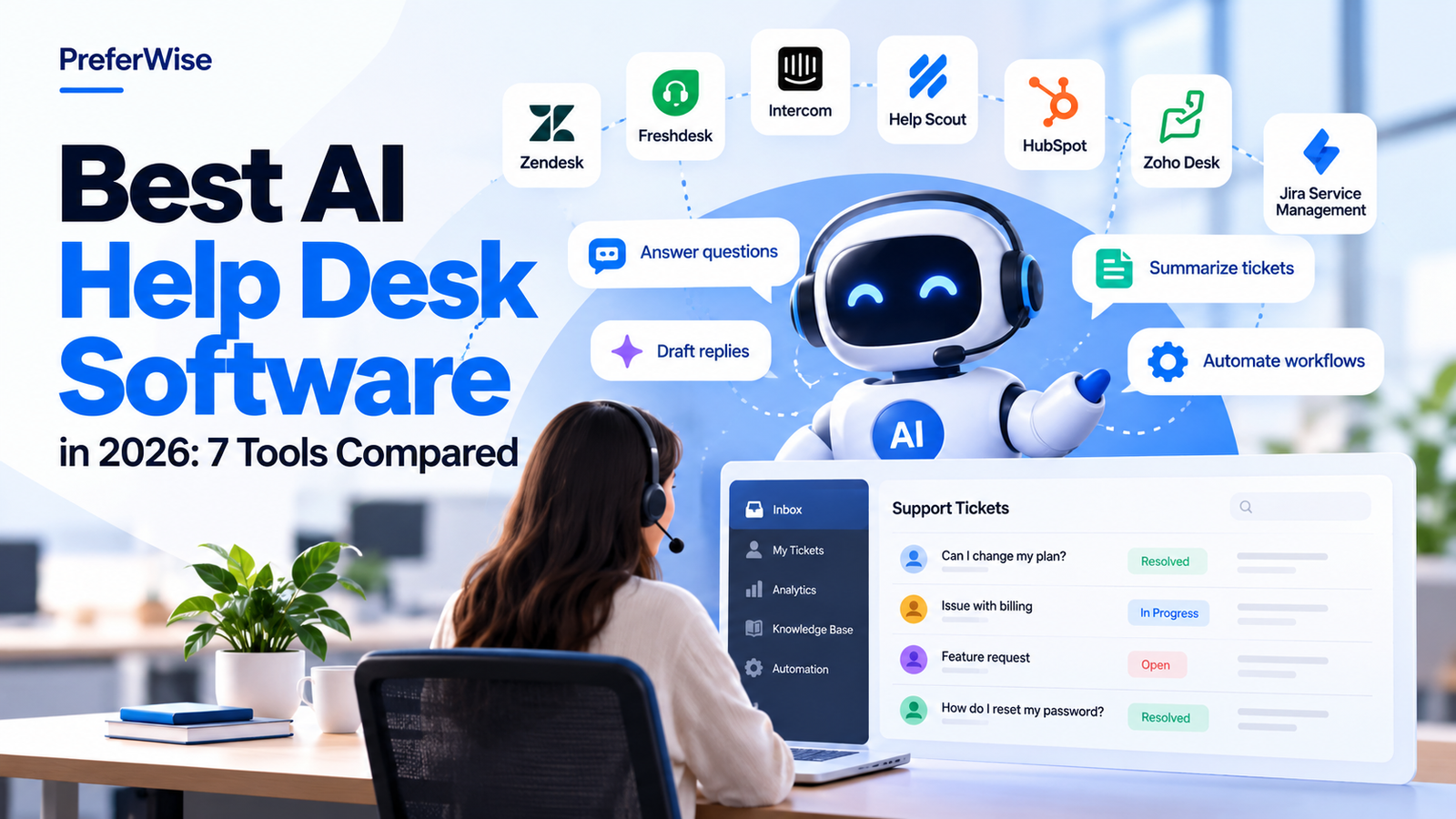
Compare seven AI help desk tools by their automation capabilities, agent-assist features, published pricing, and potential usage costs. Find the right fit for your support team without overlooking the costs behind the headline price.
What is AI help desk software?
AI help desk software combines traditional ticket management with artificial intelligence that can help answer customer questions, assist support agents, automate repetitive tasks, and identify patterns in customer conversations.
The term covers several different capabilities. An AI agent may resolve a customer’s issue without a human. An agent-assist feature may suggest a reply for a support representative to review. Workflow automation may route a ticket or classify its topic without generating a customer-facing answer.
These capabilities have different costs and operational implications. The best tool for your team depends on the work you want AI to perform, the quality of your knowledge base, your existing support workflow, and how the vendor bills for AI usage.
START HERE
Quick picks: which tool should you evaluate?
These are initial shortlist suggestions based on product positioning and published features, not a ranking from hands-on testing.
Zendesk
Consider it if you need a mature, multi-channel support platform with ticketing and AI capabilities.
Explore Zendesk →Freshdesk
Consider it if you want conventional ticket management with an upgrade path to Freddy AI capabilities.
Explore Freshdesk →Intercom
Consider it if automated customer conversations and AI resolution are central to your support strategy.
Explore Intercom →Help Scout
Consider it if you prefer a straightforward support workflow with AI features available as part of the offering.
Explore Help Scout →HubSpot Service Hub
Consider it if support teams need shared customer records and context from the wider CRM.
Explore HubSpot →Zoho Desk
Consider it if your business already uses Zoho products and wants support automation in the same ecosystem.
Explore Zoho Desk →Jira Service Management
Consider it if you manage IT service requests, employee support, or internal service workflows.
Explore Jira Service Management →AT A GLANCE
AI help desk software compared
Filter the options by the type of AI capability you need. On smaller screens, each product is displayed as a readable comparison card.
| Product | AI approach | Public pricing signal | Good fit when… | Watch out for |
|---|---|---|---|---|
| Zendesk | AI agents and agent productivity | Suite Team from $55/agent/month with annual billing. AI allowances and additional usage depend on plan. | You need broad, multi-channel customer support. | Seat costs, usage charges, and required add-ons. |
| Freshdesk | Freddy AI Agent and Copilot | Growth from $19/agent/month with annual billing. Verify the published AI session allowance and terms. | You want a conventional help desk with an AI upgrade path. | Session allowances and separately priced AI capabilities. |
| Intercom | Fin AI Agent and support inbox | Essential from $29/seat/month annually; Fin pricing starts at $0.99 per outcome. | Automated customer conversations are a priority. | Seat fees plus outcome-based AI charges. |
| Help Scout | AI Answers and agent-assist tools | Standard from $25/user/month; AI Answers listed at $0.75 per resolution. | You want a simpler support workflow with AI options. | Plan limits and resolution billing terms. |
| HubSpot Service Hub | Customer Agent and CRM AI | Customer Agent listed at $0.50 per resolution; subscription and credit requirements apply. | Support depends on customer and CRM context. | Credits, onboarding, and higher-tier requirements. |
| Zoho Desk | Zia assistance and automation | AI availability and pricing depend on edition and region. | You already use the Zoho ecosystem. | Regional and edition-specific feature availability. |
| Jira Service Management | Rovo AI and virtual service agent | Standard from $20/agent/month; virtual-agent availability depends on plan. | You manage IT or internal employee-service workflows. | It is not a direct equivalent to every customer-support inbox. |
Prices and features can vary by billing period, location, plan, contract, taxes, and usage terms. Verify current vendor terms before purchasing. Pricing references in this article were checked October 11, 2026.
UNDERSTAND THE DIFFERENCE
Four types of AI help desk capabilities
Product pages often group several features under the term “AI.” Before comparing prices, identify what each feature actually does.
1. AI agents
AI agents interact with customers and attempt to resolve supported requests using approved information, workflows, and integrations. Depending on the product, unresolved issues can be transferred to a human.
2. Agent assist
Agent-assist features help representatives draft replies, summarize conversations, find knowledge articles, or adjust the tone of a response. Human review may still be required.
3. Workflow automation
Automation routes tickets, classifies requests, applies tags, and triggers actions based on rules or AI-generated classifications. This is not necessarily the same as an AI agent resolving a conversation.
4. AI analytics
Analytics features help identify recurring topics, sentiment, customer friction, and patterns in support interactions. Availability and reporting depth vary between vendors and plans.
Zendesk
Best to evaluate for broad, multi-channel support operations
Zendesk combines ticket management and customer-support workflows with AI capabilities for customer interactions and agent productivity. It is worth evaluating when your team needs more than a shared inbox and expects its support processes to grow in complexity.
What to evaluate
- Whether the AI capability you need is available in your intended subscription tier.
- Which customer requests can be automated and when the conversation is handed to an agent.
- How included AI allowances and additional usage are calculated.
- Whether your existing channels, knowledge base, and workflows require additional configuration.
Potential trade-off
A broad platform can bring more configuration and cost considerations than a simpler help desk. Compare the complete package rather than treating the advertised seat price as the total cost of AI-enabled support.
Freshdesk
Best to evaluate for conventional ticketing with an AI upgrade path
Freshdesk offers traditional help desk capabilities alongside Freddy AI features. Depending on the edition and add-ons, these can support automated customer interactions and assist agents with their work.
What to evaluate
- Which Freddy features are included with your selected plan.
- The conditions attached to any included AI Agent sessions.
- Whether Copilot requires a separate per-agent fee.
- How additional AI sessions are priced and measured.
Potential trade-off
The entry-level subscription price may not include every AI capability you want. Build your estimate using the features, number of agents, and expected usage your team actually needs.
Intercom
Best to evaluate when AI-led customer conversations are central
Intercom combines customer messaging and support workflows with its Fin AI Agent. Its usage-based AI model makes it especially important to understand what counts as a billable outcome and how that charge interacts with subscription fees.
What to evaluate
- What the vendor counts as a successful or billable AI outcome.
- How Fin works across your supported channels.
- How subscription charges and AI outcome fees appear on invoices.
- How the system handles unsupported questions and escalations.
Potential trade-off
Usage-based charges can make total costs harder to estimate without historical conversation data. Model a low, expected, and high usage scenario before committing.
Help Scout
Best to evaluate for a simpler customer-support workflow
Help Scout focuses on customer conversations and support workflows. Its AI Answers offering introduces resolution-based pricing, so teams should assess both the subscription and expected AI usage.
What to evaluate
- Whether the conversation and mailbox features meet your team’s needs.
- How AI Answers uses your help content to respond to customers.
- How resolution-based fees are triggered and reported.
- Whether the selected plan has limits that affect your workflow.
Potential trade-off
A simpler interface does not automatically mean the lowest total cost. Estimate subscription fees and AI resolution charges together, using realistic support volumes.
HubSpot Service Hub
Best to evaluate when support depends on CRM context
HubSpot Service Hub is worth considering if your support team already uses HubSpot for customer records, sales, or marketing. Its connected data can help teams work with a shared view of customer interactions.
What to evaluate
- Whether Customer Agent is available with the subscription you intend to purchase.
- How HubSpot Credits apply to your expected usage.
- Any onboarding fees or minimum commitments for higher-tier plans.
- Whether the value of shared CRM data justifies the broader platform cost.
Potential trade-off
The lowest advertised seat price may not represent the complete configuration required for AI support. Review the required tier, credits, onboarding, and related products.
Zoho Desk
Best to evaluate if you already use Zoho products
Zoho Desk offers help desk and ticket-management functionality within the Zoho ecosystem. Zia provides AI-related capabilities, but its availability can vary by edition, region, and data centre.
What to evaluate
- Which Zia capabilities are included in your edition.
- Whether your region and data centre support the features you need.
- How AI fits into your existing Zoho applications and workflows.
- Whether the ticketing and reporting features satisfy your requirements.
Potential trade-off
Do not assume every AI feature advertised by Zoho is available in every Desk plan. Ask for confirmation against your exact edition and account region.
Jira Service Management
Best to evaluate for IT service and internal support
Jira Service Management is designed around service management workflows, including IT and employee-service use cases. Its AI and virtual service agent capabilities may suit teams that need service requests connected to their wider Atlassian workflows.
What to evaluate
- Whether the product’s service-management model matches your support operation.
- Which AI features are available in Standard, Premium, or Enterprise.
- How assisted conversations are counted and billed.
- How the platform connects to your existing Atlassian environment.
Potential trade-off
Jira Service Management is not a direct substitute for every customer-facing support inbox. Evaluate it against your actual use case rather than comparing seat prices alone.
COST OF OWNERSHIP
How to calculate the real cost of AI help desk software
Comparing subscription prices alone can be misleading. A product with a lower per-seat price may cost more if it requires paid AI add-ons or charges for every resolution.
Agent or seat fees
Multiply the per-seat price by the number of paid users, then account for billing frequency and any minimum commitments.
AI usage fees
Check resolution, outcome, session, conversation, credit, and overage charges. These billing units are not necessarily equivalent.
Setup and add-ons
Include onboarding, premium features, integrations, implementation, and knowledge-base preparation where applicable.
A simple usage-cost example
If a vendor charges $0.99 per billable AI outcome and your team incurs 1,000 billable outcomes in a month, the usage charge would be:
This is an illustrative calculation before subscription fees, taxes, and any other charges. Actual invoices depend on the vendor’s definition of a billable outcome and applicable contract terms.
Build three estimates before choosing
- Low usage: Estimate costs if only a small share of support requests use AI.
- Expected usage: Use your current ticket volume and a realistic automation target.
- High usage: Model growth, seasonal peaks, and increased AI adoption.
Ask each vendor to show how the same workload would be billed. Keep assumptions consistent so you can compare like for like.
BUYING CHECKLIST
How to choose the right AI help desk software
- Define the use case. Decide whether you want autonomous resolution, agent assistance, ticket classification, workflow automation, or analytics.
- Check plan eligibility. Confirm the exact subscription tier, add-ons, regional availability, and any required credits.
- Understand the billing unit. Establish what counts as a resolution, outcome, session, or assisted conversation. Do not assume these terms mean the same thing across vendors.
- Test with real support questions. Evaluate answer quality, source accuracy, escalation, failure handling, and the process for updating knowledge.
- Estimate total cost. Include agent seats, AI usage, implementation, add-ons, and expected growth.
- Review reporting and controls. Check whether managers can monitor AI performance, inspect conversations, and identify incorrect answers.
- Run a limited pilot. Compare resolution quality, customer experience, agent workload, and total cost before a full rollout.
COMMON QUESTIONS
FAQs about AI help desk software
What is the difference between an AI agent and an AI copilot?
An AI agent can attempt to handle a customer request autonomously within its configured scope. An AI copilot generally assists a human representative with tasks such as drafting replies, summarizing conversations, or finding relevant information. Exact capabilities depend on the vendor and plan.
Is AI included in help desk software subscriptions?
Sometimes. Some plans include limited AI capabilities or usage allowances, while others require paid add-ons or charge by resolution, outcome, session, or another usage unit. Check the exact plan terms before buying.
Which AI help desk software is the cheapest?
There is no reliable universal answer without a common workload. The lowest seat price may not include the AI feature you need, and usage-based charges can change the total. Compare vendors using the same number of agents and expected monthly AI usage.
Can AI help desk software replace human agents?
AI can automate some repetitive and well-defined support requests. Complex, sensitive, ambiguous, or unusual cases may still need a human. A sensible implementation includes escalation paths, monitoring, and clear boundaries.
Does a higher AI resolution rate always mean better performance?
No. Resolution rate should be considered alongside answer accuracy, customer satisfaction, repeat contacts, escalation quality, and total cost. A system can appear efficient while giving incomplete or incorrect answers.
How often should AI help desk pricing be reviewed?
Review prices and plan terms before purchasing and whenever your vendor announces a pricing or packaging change. For a published pricing comparison, schedule periodic checks and clearly show when each price was last verified.
Did PreferWise test all seven products hands-on?
This guide is a desk-researched comparison based on product information and published pricing references. It should not be interpreted as a claim that PreferWise independently tested every product in a live support environment.
TRANSPARENCY
Sources and methodology
This guide compares product positioning, published pricing references, AI billing considerations, and potential use-case fit. It is intended to help buyers create a shortlist, not to replace a vendor quote or product trial.
The listed prices are reference points rather than guaranteed quotes. Vendors can change pricing, packaging, eligibility, included usage, and regional availability. Confirm all material terms with the vendor before making a purchase.
PreferWise has not represented this desk research as hands-on product testing. Recommendations are based on the stated use cases and should be validated against your own support requirements.
Official vendor sources
- Zendesk pricing
- Freshdesk pricing
- Intercom pricing
- Help Scout pricing
- HubSpot Service Hub pricing
- Zoho Desk pricing
- Jira Service Management pricing
Last pricing-reference check recorded: October 11, 2026. Verify vendor pages for current terms before publication or purchase.