
Marketing Automation Software Pricing Compared: Costs, Plans & Hidden Fees
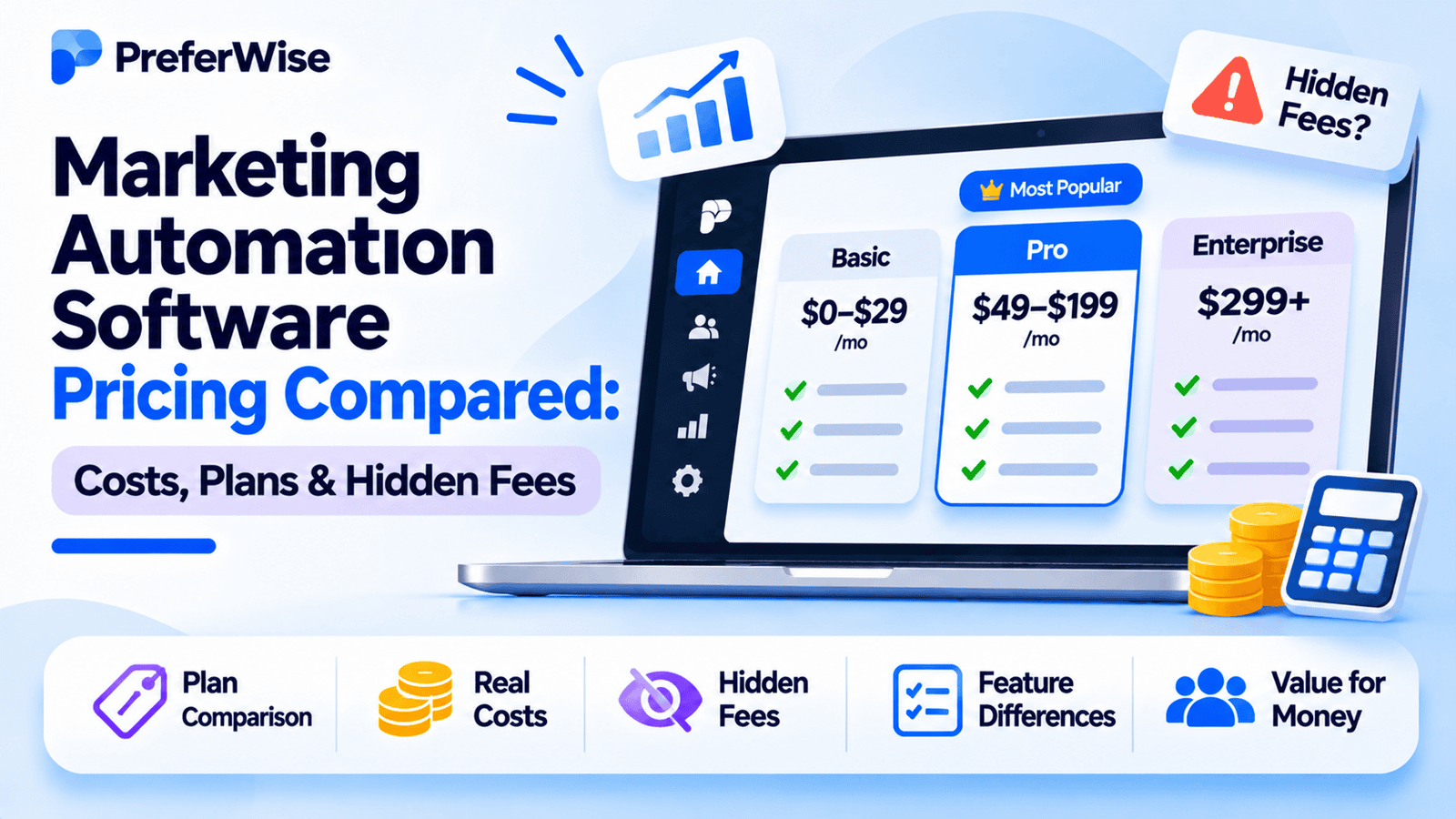
Marketing automation software can cost less than $20 per month for a small email list or thousands of dollars per month for a business running complex customer journeys. The price depends on more than the number shown on a vendor’s pricing page. Contact limits, email volume, automation features, SMS usage, onboarding, and extra seats can all change the bill.
This guide compares the pricing models and published plans of 10 marketing automation platforms. It explains which costs to check before buying and which tools are worth considering for small businesses, ecommerce stores, SaaS companies, and larger B2B teams.
Marketing automation software pricing at a glance
The table below shows public starting prices or the pricing structure where a vendor does not publish a fixed rate. These figures are entry points, not quotes for every business. A plan’s contact allowance, sending limit, and automation features matter just as much as its monthly price.
| Platform | Published entry point | How pricing works | Automation consideration | Best fit |
|---|---|---|---|---|
| Brevo | Starter from $9/mo | Email volume; contacts can be stored without the same contact-based billing model as some competitors | Check the plan before assuming advanced workflows are included | Budget-conscious teams and businesses with large lists |
| MailerLite | Free plan available | Subscriber count and plan tier | Automation limits and advanced features depend on the paid plan | Small businesses, creators, and email-first teams |
| Mailchimp | Essentials from $13/mo | Contacts and monthly send allowance | Workflow steps and advanced features vary by tier | Small businesses already using Mailchimp |
| ActiveCampaign | Use live pricing calculator | Contact count and plan | Designed for multi-step workflows; features differ by plan | SMBs needing behavioral automation |
| HubSpot Marketing Hub | Professional from about $800/mo annually | Plan, marketing contacts, seats, and onboarding | Professional and Enterprise include advanced automation features | B2B teams using HubSpot CRM |
| GetResponse | Starter from $19/mo monthly | Contact count and feature package | Starter has a limited workflow allowance; higher plans expand automation | Small businesses and marketers needing landing pages |
| Klaviyo | Free plan available | Active profiles and email volume | Strong ecommerce-oriented segmentation and lifecycle flows | Ecommerce and direct-to-consumer brands |
| Omnisend | Standard from $16/mo | Billable contacts and plan; SMS costs can be separate | Built around ecommerce email and SMS automation | Online stores using email and SMS |
| Customer.io | Essentials from $100/mo | Profiles, email volume, and overages | Event-driven journeys and product lifecycle messaging | SaaS and product-led businesses |
| Adobe Marketo Engage | Custom quote | Package, scale, and negotiated contract | Enterprise B2B automation; feature access varies by package | Large B2B marketing organizations |
Vendor prices and plan limits can change. Confirm the current price, billing term, included contacts, and feature access on the official pricing page before purchasing.
How marketing automation pricing works
Vendors use different billing units. Knowing the model helps you estimate how your bill may change as your business grows.
1. Contact-based pricing
Contact-based pricing charges according to the size of your audience. A platform may offer one price for 1,000 contacts, a higher price for 5,000, and another tier for 10,000 or more.
This model can be easy to budget for when your list is stable. It becomes more expensive when you keep growing your database, even if you send emails infrequently.
MailerLite, Mailchimp, ActiveCampaign, and GetResponse use contact counts as part of their pricing structure. Check how each platform defines a billable contact. Some may count subscribed contacts, while others can charge for additional contact states or audience records.
2. Email-volume pricing
Email-volume pricing is based on how many emails you send in a billing period. A business with a large database but a low sending frequency may find this model useful.
Brevo is a prominent example of an email-volume-led model. The important question is whether the plan includes the automation features you need at your intended sending volume.
3. Active-profile pricing
Active-profile pricing charges based on the profiles a platform considers active. This is common in ecommerce and customer lifecycle marketing, where a profile can receive email, SMS, or other messages based on customer behavior.
Klaviyo uses active profiles as a key billing measure. Before buying, check how profiles are counted, whether inactive profiles affect your tier, and how email and SMS usage are billed.
4. Seat-based and marketing-contact pricing
Some platforms charge based on the number of users who need access, the number of marketing contacts, or both. This can make the bill more complicated than a single subscription price.
HubSpot buyers should pay attention to marketing-contact allowances, seats, plan requirements, and onboarding fees. A business with many contacts or multiple users should estimate those costs before committing.
5. Custom enterprise pricing
Enterprise tools often use a sales-led pricing process. The quote may depend on database size, sending volume, features, integrations, support, and contract terms.
Adobe Marketo Engage uses customized pricing. Ask the vendor to specify the included database size, user limits, feature package, support level, implementation fees, and renewal terms in writing.
Marketing automation software pricing by platform
The following sections explain what the published price means and which plan details deserve a closer look. Prices are not directly comparable unless the contact allowance, sending volume, and feature package are comparable too.
1. Brevo pricing
Budget-conscious teamsBrevo offers a free plan and paid plans that scale with email volume. Its published Starter plan begins at $9 per month, while Standard begins at $18 per month. Professional is aimed at businesses with larger requirements and starts at a much higher price.
Brevo can be worth evaluating when your contact database is large but your monthly email volume is relatively controlled. Its pricing model can be more suitable than a contact-based plan in that situation.
The main buying question is which plan includes the automation features you need. Standard is the tier to examine for multi-step marketing automation. Do not choose Starter based only on the lower price if your campaigns need branching workflows or advanced targeting.
Check before buying: monthly email allowance, automation access, user limits, and whether SMS or other channels are priced separately.
2. MailerLite pricing
Small businesses and creatorsMailerLite offers a free plan for small lists. Its published free allowance includes up to 250 active subscribers and 2,500 emails per 30 days. Paid plans scale with subscriber count.
MailerLite is a reasonable option for businesses that need email campaigns, forms, landing pages, and straightforward automation without moving into an enterprise platform.
The free plan can help validate an email program, but a business should check paid-plan automation limits before building a complicated customer journey. Feature access, user seats, and sending allowances vary by tier.
Check before buying: subscriber tier, automation capabilities, number of users, and monthly sending allowance.
3. Mailchimp pricing
Email-first businessesMailchimp’s published pricing starts at $13 per month for Essentials and $20 per month for Standard. The free plan is limited to a small contact and sending allowance.
Mailchimp’s price depends on the number of contacts and the sending allowance attached to the plan. Its published plan details show different monthly send limits: Essentials allows up to 10 times the contact count, while Standard allows up to 12 times the contact count.
Automation capabilities also differ by plan. A business should confirm how many workflow steps, branching options, and advanced features are included before choosing the lowest paid tier.
Check before buying: contact count, monthly send limit, workflow steps, and the cost of moving to the next contact tier.
4. ActiveCampaign pricing
Behavior-based automationActiveCampaign uses contact count and plan level to determine pricing. Its official pricing page provides a live calculator, so the amount should be checked for the list size and billing term you expect to use.
ActiveCampaign is worth considering when a business needs more than scheduled email campaigns. Its automation features can support workflows based on contact behavior, engagement, and customer activity.
The Starter plan includes multi-step automation, but advanced segmentation, cross-channel features, and other capabilities vary by plan. Compare the actual feature list with your campaign requirements.
Check before buying: contact tier, included sends, automation actions, segmentation, and the price at your next expected audience size.
5. HubSpot Marketing Hub pricing
B2B and CRM-led teamsHubSpot Marketing Hub has a higher entry cost for its advanced marketing automation plans. Professional has been listed at about $800 per month with annual commitment, with a required onboarding fee of $3,000. Monthly billing can cost more. Enterprise has a higher monthly price and onboarding requirement.
HubSpot can make sense when the business wants marketing automation connected to its CRM, sales processes, reporting, and customer records. The value depends on whether the team will use those connected features.
The headline price is only part of the estimate. Marketing-contact allowances, additional contacts, seats, onboarding, and package selection can change the total cost. HubSpot also presents bundled products separately, so compare the exact product package rather than assuming every displayed price refers to Marketing Hub alone.
Check before buying: marketing-contact allowance, additional-contact pricing, seats, onboarding, annual commitment, and the exact HubSpot package.
6. GetResponse pricing
Email and landing pagesGetResponse’s published Starter plan begins at $19 per month with monthly billing, or a lower monthly equivalent when billed annually. The price increases with list size and plan level.
Starter includes a limited automation workflow allowance. Marketer provides more advanced automation capabilities and unlimited workflows. That distinction matters for businesses that need several journeys running at the same time.
GetResponse is worth comparing if email campaigns, landing pages, and automation need to sit in one platform. The right plan depends on how many workflows you need and how large your list will become.
Check before buying: subscriber tier, workflow allowance, annual billing terms, and the features included in Marketer or higher plans.
7. Klaviyo pricing
Ecommerce lifecycle marketingKlaviyo offers a free email plan for small businesses. Paid pricing is tied to active profiles and email volume, so the exact cost depends on the number of profiles and the amount of messaging.
Klaviyo is built for ecommerce lifecycle marketing. Businesses often use it for customer segmentation, purchase-based flows, abandoned-cart messages, post-purchase journeys, and customer retention campaigns.
The important cost question is how the profile count changes as the store grows. A growing customer database can move the account into a higher tier. SMS and other messaging products can add separate costs.
Check before buying: active-profile definition, email allowance, profile growth, SMS pricing, and the exact paid tier for your current database.
8. Omnisend pricing
Ecommerce email and SMSOmnisend’s published Standard plan starts at $16 per month, while Pro starts at $59 per month. The price changes with the number of billable contacts.
Standard includes an email allowance based on the contact count. Pro includes unlimited email sends, subject to the plan’s terms. SMS costs need separate attention because the headline subscription price does not necessarily cover every message a store sends.
Omnisend is worth considering for ecommerce teams that want email and SMS automation in the same system. Compare the cost using your expected billable contacts and monthly message volume.
Check before buying: billable contacts, email credits, SMS credits, and whether Pro is necessary for your sending volume.
9. Customer.io pricing
SaaS and product-led messagingCustomer.io’s published Essentials plan starts at $100 per month and includes 5,000 profiles and a monthly email allowance. Premium is listed at a much higher price and is billed annually.
Customer.io is designed for event-driven messaging. A SaaS company can use product activity, account status, or customer behavior to trigger messages and journeys.
Its pricing model includes profile and email-volume considerations. Published overage rates make it important to estimate both profile growth and message volume rather than looking only at the starting price.
Check before buying: included profiles, monthly email volume, profile overage, email overage, and the definition of billable email activity.
10. Adobe Marketo Engage pricing
Enterprise B2B marketingAdobe Marketo Engage uses customized pricing. Its public package information explains differences between Growth, Select, Prime, and Ultimate, but it does not provide a reliable public list price for every buyer.
Marketo is aimed at larger B2B marketing organizations with complex lead management, campaign operations, and integration requirements. It is unlikely to be the right starting point for a small business that needs basic email automation.
Ask for a written quote that separates the subscription, implementation, training, support, and any usage-based costs. Also confirm which features are included in the proposed package.
Check before buying: package level, database and user limits, implementation cost, support terms, integrations, and renewal conditions.
Hidden costs that can increase your marketing automation bill
The subscription price is only one part of the total cost. Before signing a contract, estimate the costs that could change as your marketing program grows.
Contact and profile growth
A growing list can move you into a higher billing tier. This matters for contact-based and active-profile pricing. Estimate the audience size you expect in the next 6 to 12 months, not just the number you have today.
Email volume
A platform may charge more when you send more messages. This can happen when you add newsletters, onboarding sequences, product announcements, or re-engagement campaigns.
SMS and additional channels
SMS, WhatsApp, or other messaging channels may have separate subscription or usage charges. A platform’s email price does not tell you the total cost of running a multichannel campaign.
Onboarding and implementation
Enterprise and advanced plans may require onboarding fees. HubSpot Professional, for example, has a published onboarding fee that should be included in the first-year estimate.
Additional seats
A team may need more user accounts as marketing, sales, and operations work in the platform. Check whether extra seats are included or billed separately.
Integrations and data setup
Connecting a CRM, ecommerce platform, data warehouse, or product analytics system may require technical work. The vendor subscription may not include that implementation effort.
Support and contract terms
Enterprise support, training, and service-level agreements can affect the total contract. Confirm renewal terms, annual commitments, cancellation rules, and any price increases written into the agreement.
Which marketing automation platform fits your budget?
The best option depends on the work your team needs to automate. These scenarios are starting points for a shortlist, not a claim that one platform is best for every business.
Small business with a small email list
Start by comparing MailerLite, Brevo, Mailchimp, and GetResponse. Look for a free or low-cost plan that includes the automation actions you need. If your workflows are simple, paying for an enterprise platform is unlikely to be justified.
Growing business with behavioral workflows
Compare ActiveCampaign, Brevo Standard, and GetResponse Marketer. Check how the tools handle branching, segmentation, triggers, and workflow limits. Calculate the price at your expected contact count.
Ecommerce store
Compare Klaviyo and Omnisend first. Estimate active profiles or billable contacts, email volume, and SMS use. The lowest monthly subscription may not be the lowest total cost once message usage is included.
SaaS or product-led company
Customer.io is worth evaluating when customer journeys depend on product events and account behavior. ActiveCampaign may also fit some smaller teams. Compare event-based triggers, profile allowances, and overage charges.
B2B team using a CRM
HubSpot Marketing Hub may fit a team that wants marketing and sales activity connected to one CRM. Include onboarding, marketing contacts, seats, and annual commitment in the estimate. Larger B2B operations can also evaluate Marketo through a custom quote.
How to compare marketing automation quotes
If two platforms offer different pricing models, use the same business assumptions for both. A useful comparison should include:
- Current contact or active-profile count
- Expected list size after 12 months
- Monthly email volume
- SMS or other messaging volume
- Number of users who need access
- Required workflows and automation features
- Onboarding and implementation fees
- Overage rates and contract renewal terms
Ask each vendor to price the same scenario. For example, request the cost for your current audience and the expected audience after one year. That will help reveal whether the platform remains affordable as your marketing program grows.
Our take: compare the plan you need, not the cheapest price
Marketing automation software pricing is difficult to compare with one headline number. Brevo’s email-volume model may suit a business with a large database and controlled sending. MailerLite can be a sensible starting point for a small email program. ActiveCampaign and GetResponse deserve a closer look when workflows become more complex.
Ecommerce teams should estimate the cost of active profiles, email, and SMS before choosing Klaviyo or Omnisend. SaaS businesses should consider whether Customer.io’s event-driven messaging and usage model match their needs. B2B teams evaluating HubSpot or Marketo should include onboarding and implementation in the budget.
The practical rule is simple: identify the automation features you need, estimate your audience and sending volume, and compare the total first-year cost. A lower entry price is useful only when the plan can run your actual campaigns.
Frequently asked questions
How much does marketing automation software cost per month?
Small email programs can start with free plans or subscriptions under $20 per month. More advanced SMB tools can cost tens or hundreds of dollars per month, depending on contacts and features. Enterprise platforms can cost thousands per month and may require onboarding or implementation fees.
What is the cheapest marketing automation software?
The answer depends on your contact count, email volume, and required features. Brevo, MailerLite, Mailchimp, GetResponse, Klaviyo, and Omnisend offer low-cost or free entry points. Compare the plan that includes your required automation features rather than choosing by the lowest advertised price.
Is marketing automation pricing based on contacts or email sends?
It depends on the vendor. Some platforms price by contacts or active profiles, some by monthly email volume, and others combine usage with plan tiers, seats, or custom contracts. Confirm how the vendor defines a billable contact or message.
Do marketing automation platforms charge for inactive contacts?
Billing rules differ. Some platforms focus on subscribed contacts, while others use active profiles or broader database definitions. Check how unsubscribed, inactive, suppressed, or archived records affect your plan. Do not assume removing a contact from a campaign automatically removes it from billing.
What hidden costs should I budget for?
Common additional costs include contact or profile overages, email volume, SMS, extra seats, onboarding, implementation, integrations, training, and premium support. Annual commitments and renewal terms can also affect the total cost.
When does HubSpot or Marketo become worth the higher price?
These platforms are more relevant when a business needs advanced B2B workflows, CRM alignment, lead management, reporting, or enterprise integrations. The cost is harder to justify if the team only needs basic newsletters and simple email sequences.
Can a small business use marketing automation for free?
Yes. Several vendors offer free plans with limits on contacts, email volume, or features. A free plan can be enough to test basic campaigns, but check whether the automation tools you need are included before building your workflows around it.
Official pricing sources
Pricing and feature limits can change. These official pages are the best place to confirm current terms before making a purchase.
Disclosure: PreferWise may earn a commission if you purchase through certain links on this page. This does not change the price you pay. We recommend checking the vendor’s current pricing and terms before making a decision.
How we evaluated these tools
We compare tools on pricing (including plan limits and add-ons), features, AI and automation, integrations, ease of use, support and fit for the use case. We use vendor pricing and documentation pages, note when information was checked, and do not let commercial relationships decide the order. Read our full ranking methodology.