
7 Best CRM Software for Mac Users in 2027
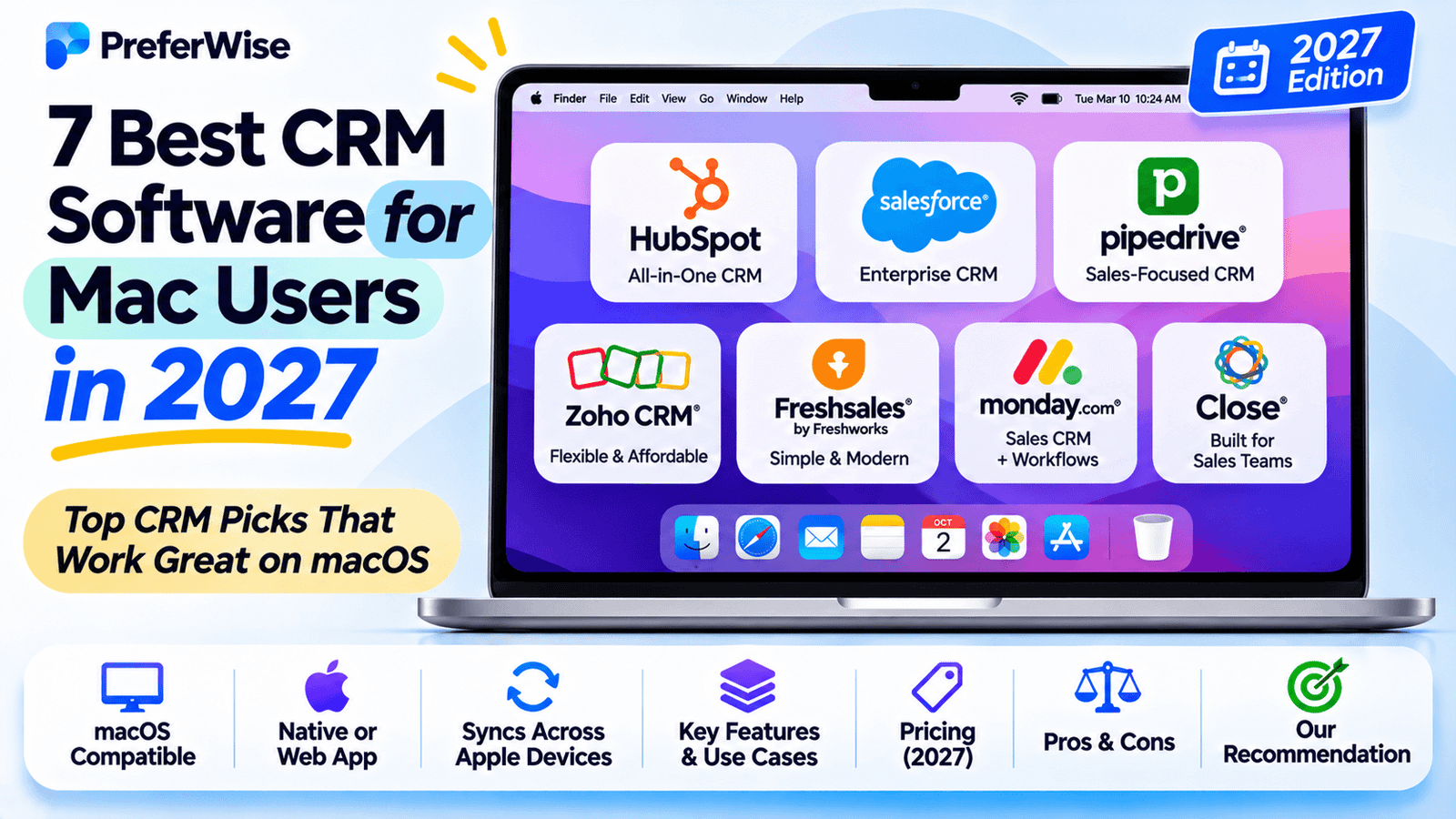
Looking for CRM software that works well on your Mac? Compare Mac-native CRM apps and browser-based platforms, with practical guidance on Apple ecosystem compatibility, sales pipelines, contact management, pricing, and free options. Here is what to know about CRM software for Mac users before you decide.
The best CRM for Mac depends on how you work. If you want a dedicated macOS app and a workflow built around Apple devices, Daylite is a natural starting point. If you prefer a broad sales platform that runs in your browser, HubSpot, Zoho CRM, and Pipedrive are worth comparing.
One distinction matters from the start: **a CRM that runs on a Mac is not necessarily a native Mac app.** Many popular CRMs work through Safari or Chrome. That can be perfectly suitable, but it does not automatically mean they integrate with Apple Mail, Calendar, or Contacts, or support offline work.
Quick recommendations
Daylite
Worth considering if you want a dedicated Apple-focused CRM for client relationships, sales opportunities, tasks, and projects.
HubSpot CRM
A browser-based option to explore if you want to start managing contacts and sales activity before committing to a paid plan.
Pipedrive
A sales-focused platform to evaluate if your priority is keeping leads, deals, and follow-ups organized.
Zoho CRM
Worth comparing if you want a configurable CRM and a range of plans to consider as your business grows.
CRM software for Mac users: best CRM software for Mac: comparison table
Use this table as a shortlist, then confirm the features and integrations that matter to your workflow. “Browser-based” means you can access the platform through a supported web browser; it does not imply native macOS functionality.
| CRM | Mac experience | Best suited for | What to verify |
|---|---|---|---|
| Daylite | Dedicated Mac and Apple-device app | Apple-first service businesses | Current macOS requirements, plan features, and team needs |
| HubSpot CRM | Browser-based CRM | Businesses starting with contact and sales management | Free-plan limits, paid features, and integration requirements |
| Zoho CRM | Browser-based CRM | Teams wanting configurable CRM workflows | Plan-specific features and Apple-related integrations |
| Pipedrive | Browser-based CRM | Sales teams focused on deal progression | Current plan pricing, email, and calendar options |
| Salesflare | Web-based CRM | B2B teams focused on relationship selling | Supported email providers, calendar sync, and automation limits |
| Copper | Web-based CRM | Teams centered on Google Workspace | Google Workspace requirements and plan availability |
| Less Annoying CRM | Web-based CRM | Small businesses seeking a straightforward workflow | Current pricing, integrations, and account requirements |
The table deliberately avoids assigning unverified native-app, Apple Mail, Apple Calendar, offline, or pricing claims to browser-based products. Confirm these details directly with each vendor.
7 CRM platforms for Mac users
Daylite
Daylite is designed specifically for the Apple ecosystem, with Mac, iPhone, and iPad apps. Its business workflow combines contact management with sales opportunities, tasks, email, calendar features, and project management. That makes it particularly relevant to service-based businesses that want client work and relationship history connected in one place.
Daylite is the first option to investigate if you specifically want a Mac-focused application rather than a CRM that happens to open in a browser. Its official product materials also describe offline access and Apple-oriented workflows. Check the current system requirements before installing it.
Potential advantages
- Built around Mac, iPhone, and iPad use
- Connects sales and project workflows
- Useful for businesses managing ongoing client relationships
Consider before choosing
- Not designed for Windows or Android users
- Review the plan needed for your specific workflows
- Check device and operating-system compatibility
HubSpot CRM
HubSpot is a browser-based CRM platform for managing contacts, companies, deals, and customer interactions. Mac users can access its web experience through a supported browser, making it an option for teams that do not require a dedicated native Mac application.
HubSpot is worth considering if you may eventually want your CRM connected with marketing, customer service, or broader sales workflows. The main consideration is that advanced features and usage limits vary by product and subscription tier. Review the current plan details before treating the free offering as sufficient for your business.
Potential advantages
- A starting point for teams evaluating free CRM tools
- Broad customer-management product ecosystem
- Accessible through a web browser on Mac
Consider before choosing
- Not the same as a native Mac CRM
- Some capabilities require paid subscriptions
- Check exact contact, seat, and feature limits
Still deciding on a free plan? Compare more options in our guide to the best free CRM software.
View HubSpot pricingZoho CRM
Zoho CRM is a browser-based customer relationship management platform with features for organizing contacts, leads, accounts, and sales processes. It is worth evaluating if you want more flexibility in how your team handles its pipeline and records without requiring a native Mac app.
Zoho offers multiple plan levels, so compare the functionality available at each tier rather than assuming that every advertised feature is included in the entry-level option. If Apple Mail, Apple Calendar, or Contacts integration is essential, verify the exact supported workflow and any additional setup required before choosing it.
Potential advantages
- Multiple plans to evaluate as requirements change
- Configurable CRM workflows
- Suitable for teams considering a wider business software ecosystem
Consider before choosing
- Browser access is not native macOS support
- Integration options can vary by plan
- Check Apple-specific sync requirements carefully
Pipedrive
Pipedrive is a sales-focused CRM that helps teams organize opportunities and move deals through pipeline stages. For Mac users who mainly need a clear view of active deals, next steps, and follow-up activity, it is a useful browser-based product to compare.
Pipedrive may suit a team that values sales visibility over a CRM designed around deep Apple-native workflows. Before subscribing, check the current pricing tiers and confirm whether the email, calendar, automation, reporting, and integration capabilities you need are included in the plan you select.
Potential advantages
- Sales-focused workflow
- Useful for tracking deal stages and next actions
- Browser access for Mac users
Consider before choosing
- Not a dedicated native Mac application
- Plan limits and available features differ
- Verify calendar and email integrations for your setup
Salesflare
Salesflare is a CRM aimed at B2B sales teams. It is worth investigating if your team wants to organize customer relationships and sales activity without manually maintaining every detail in separate spreadsheets.
Mac users should evaluate Salesflare as a web-based CRM rather than assume it offers a native macOS application. If your workflow depends on Apple Mail, iCloud, or Apple Calendar, check which email providers and calendar connections are officially supported, how synchronization works, and whether the integration you need requires a particular subscription.
Potential advantages
- Focused on B2B relationship selling
- Worth comparing for activity-management workflows
- Accessible from a supported Mac browser
Consider before choosing
- Not a Mac-native CRM based on its web experience
- Verify Apple email and calendar compatibility
- Check automation and user limits by plan
Copper
Copper is a browser-based CRM that is particularly relevant to businesses whose day-to-day work is centered on Google Workspace. If your team already manages much of its communication and collaboration through Google tools, Copper is worth comparing with more general-purpose CRMs.
That Google Workspace focus should not be confused with Apple ecosystem integration. If you use Apple Mail or Apple Calendar, confirm how the product handles your exact email and calendar setup before committing. Also check whether the Google Workspace account or subscription you have is compatible with the Copper plan you are considering.
Potential advantages
- Relevant for Google Workspace-centered teams
- Can be evaluated without needing a Mac-native app
- May fit existing Google-based processes
Consider before choosing
- Not specifically an Apple-native CRM
- Check account and integration requirements
- May not suit teams prioritizing iCloud workflows
Less Annoying CRM
Less Annoying CRM is aimed at small businesses that want a straightforward way to manage contacts and follow-ups. It is a candidate for teams that do not need a complex sales platform and would rather keep their CRM process easy to understand.
Mac users should evaluate it as a browser-based option, not as a dedicated macOS application. Check its current pricing, integrations, import options, and available features against your needs. If your work depends on syncing Apple Contacts or Apple Calendar, confirm that the exact workflow is supported rather than assuming browser access provides it automatically.
Potential advantages
- Positioned around a simpler CRM experience
- Worth considering for small teams
- Browser access works with a supported Mac setup
Consider before choosing
- Not a native Mac app
- Verify integrations and current plan terms
- May not provide the advanced automation some sales teams need
Native Mac CRM vs. browser-based CRM: what is the difference?
Most CRMs can be accessed from a Mac through a web browser. The important question is whether that experience meets your needs or whether you specifically want an app designed for macOS.
Native Mac CRM
A dedicated application designed to run on macOS. Depending on the product, it may provide closer integration with the Apple environment and may offer offline capabilities.
Example to investigate: Daylite.
Browser-based CRM
A web application accessed through Safari, Chrome, or another supported browser. This can be convenient across devices, but available functionality depends on the service and its integrations.
Neither approach is automatically better for every business. A browser-based CRM may be ideal if your team collaborates across operating systems. A Mac-native product may be more attractive if your work is built around Apple devices and you want a dedicated desktop workflow.
CRM software for Mac users: how to choose the right CRM for your Mac
1. Decide whether a native app is essential
If you want a dedicated macOS application, confirm that the vendor supports the Mac version you use. Do not treat an iPhone app, an iPad app, or a website that opens in Safari as proof of a native Mac application.
2. Check Apple Mail, Calendar, and Contacts support
These are separate integration requirements. Ask whether the CRM supports your preferred email and calendar services, whether synchronization is one-way or two-way, and whether contact updates are reflected in the applications you use. Check whether any required connector is included in your subscription.
3. Decide how much sales functionality you need
A freelancer tracking client relationships may need only contacts, notes, reminders, and a simple pipeline. A growing sales team may need lead assignment, reporting, automations, multiple pipelines, and team permissions.
If your needs are centered on a growing sales organization, compare this list with our guide to the best B2B sales CRM platforms. For an early-stage company, our guide to CRM software for startups provides another useful shortlist.
4. Check whether offline work matters
If you often work while travelling or with unreliable connectivity, verify offline access directly with the vendor. Do not assume a browser-based CRM will make all records and actions available without an internet connection.
5. Review the full cost, not just the starting price
Compare the cost for the number of users you need and check billing frequency, seat minimums, onboarding costs, add-ons, usage limits, and the plan required for integrations. A free tier may be enough for a solo user but unsuitable for a team that needs reporting or automation.
6. Test your actual workflow before committing
Where a trial or demo is available, test a few realistic tasks: import contacts, create a deal, log an interaction, schedule a follow-up, search client history, and review reports. If Apple integration is important, test that exact connection rather than only checking the main CRM dashboard.
- Confirmed support for your macOS version and browser
- Clear distinction between a native app and a web app
- Verified Apple Mail, Calendar, and Contacts requirements
- Pricing checked for your number of users and required plan
- Required pipeline, reporting, and automation features confirmed
- Offline access and mobile experience checked if needed
Frequently asked questions
What is the best CRM for Mac users in 2027?
It depends on what you mean by “for Mac.” Daylite is worth considering if you want a dedicated Mac-focused CRM. HubSpot, Zoho CRM, and Pipedrive are browser-based options to compare if you do not require a native macOS app. Evaluate the required features and integrations before deciding.
Is there a CRM with a native Mac app?
Yes. Daylite is designed for Mac, iPhone, and iPad. Check its system requirements to confirm compatibility with your operating system. Many other popular CRMs are primarily accessed through a web browser.
Can I use HubSpot CRM on a Mac?
HubSpot offers a browser-based CRM that Mac users can access through a supported web browser. That does not make it a native macOS app. Check the current HubSpot plans to confirm which features and limits apply to your account.
Is there a free CRM for Mac?
HubSpot offers free CRM tools, subject to the limits and terms shown on its current pricing page. A browser-based free CRM can work on a Mac, but it is different from a free native Mac application. For more options, see our guide to the best free CRM software.
Which CRM works with Apple Mail and Apple Calendar?
Daylite specifically promotes Apple-oriented workflows and offers email and calendar functionality. For other products, confirm the exact integration available for Apple Mail, Apple Calendar, or your email provider. A CRM’s ability to run in Safari does not establish that it syncs with Apple’s apps.
Will a browser-based CRM work on a MacBook?
Generally, yes, when the CRM supports the browser and operating system you use. Review the vendor’s supported browsers and system requirements. Browser compatibility alone does not guarantee offline access, native notifications, or integration with other Mac applications.
What is the best CRM for a small business using Mac?
For an Apple-first workflow, start by evaluating Daylite. If you prefer a web-based system, compare HubSpot, Zoho CRM, Pipedrive, and the other options above based on your sales process, budget, integrations, and reporting needs. Our broader guide to the best CRM software for small businesses can help you compare alternatives.
Should I choose a Mac-native CRM or a browser-based CRM?
Choose based on workflow rather than the label alone. A native app may be a better fit if you value a dedicated desktop experience and Apple-specific workflows. A browser-based CRM may be more convenient if your team uses multiple operating systems or wants to access the same service from different devices.
Final verdict: which Mac CRM should you choose?
If a dedicated Apple-focused application is your top priority, begin with Daylite. If you mainly need a CRM dashboard in your browser, compare HubSpot, Zoho CRM, and Pipedrive. Salesflare, Copper, and Less Annoying CRM are additional candidates to evaluate for specific sales and small-business workflows.
Before making your decision, verify the features you actually need: native macOS support, Apple Mail and Calendar integration, offline access, team capabilities, and the full cost of the required plan.
There is no single best CRM for every Mac user. The right choice is the one that fits your sales process and works reliably with your existing tools.
How we evaluated these tools
We compare tools on pricing (including plan limits and add-ons), features, AI and automation, integrations, ease of use, support and fit for the use case. We use vendor pricing and documentation pages, note when information was checked, and do not let commercial relationships decide the order. Read our full ranking methodology.