
PREFERWISE · EDUCATION SOFTWARE
7 Best Interactive Quiz Makers for Schools in 2027
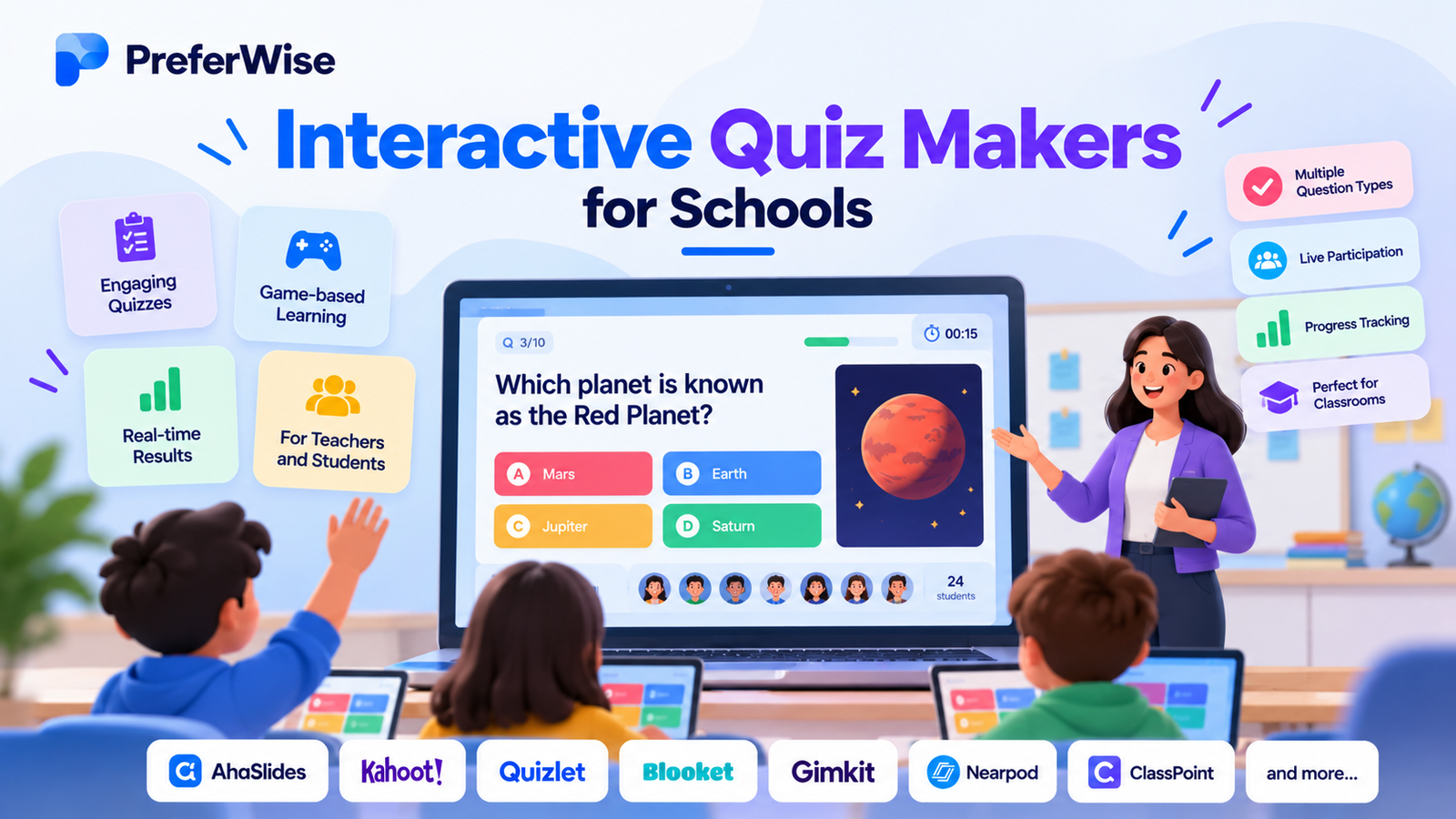
Compare classroom quiz makers for live games, interactive lessons, independent practice, and student assessments. Find a tool that fits your teaching style, class size, and budget.
Interactive Quiz Makers for Schools: Quick Picks
These recommendations reflect product positioning and documented features, not a controlled hands-on benchmark. Confirm current plans before purchasing.
Compare the 7 Best Quiz Makers for Schools
Filter by the kind of classroom activity you want to run. All products remain available in the table when no filter is selected.
Showing all 7 tools.
| Tool | Best for | Free option | Main consideration |
|---|---|---|---|
| AhaSlides Featured | Interactive presentations and quizzes | Yes; question and participant limits | Check limits for longer lessons |
| Kahoot! | Competitive live revision | Yes; plan restrictions apply | Confirm the live-player cap |
| Wayground | Assessments and independent practice | Teacher starter option | Advanced features may require a paid plan |
| Blooket | Game-based classroom review | Free access; verify current limits | Game format may not suit formal assessment |
| Gimkit | Strategy-driven practice | Check current plan terms | Verify paid-feature requirements |
| Quizlet | Flashcards and recall | Free account available | Less presentation-focused |
| Google Forms | Simple online assessments | Depends on account eligibility | Less game-oriented |
Pricing and free-plan restrictions can change. Check official vendor pages for current terms in your country.
Seven Interactive Quiz Makers for Schools Reviewed
01 · FEATURED RECOMMENDATION
AhaSlides: Best for Interactive Classroom Presentations
AhaSlides combines quizzes with presentation slides, live polls, word clouds, and Q&A. It suits teachers who want to introduce a topic, check understanding, discuss responses, and continue teaching without switching between several tools.
Why consider it?
- Quiz activities for checking understanding.
- Polls and word clouds for collecting broader feedback.
- Presentation-led teaching with interactive activities.
- Templates that can reduce preparation time.
- Reporting and analytics features on relevant paid plans.
Pricing and limitations
AhaSlides offers a free tier. Its education pricing information lists up to 50 participants, five quiz slides, and three unscored slides per presentation. Paid education tiers offer higher limits and additional features. Pricing has varied across indexed versions of the vendor page, so verify the current checkout price and billing terms.
It may be less suitable when extensive curriculum-aligned libraries, advanced school administration, or specific LMS integrations are essential. Check whether your required features are included in your chosen plan.
Best for: Interactive lessons, revision, polls, and classroom discussion.
Compare AhaSlides vs Mentimeter or explore our guide to interactive presentation software.
02 · LIVE QUIZ GAMES
Kahoot!: Best for Competitive Classroom Revision
Kahoot! is a familiar choice for live revision, vocabulary checks, topic reviews, and short activities built around friendly competition. Students answer through their devices while the teacher hosts the session.
Strengths
- A recognizable live quiz format.
- Game mechanics that can energize revision.
- Teacher-oriented subscriptions and classroom features.
Limitations
Free and paid plans have different participant caps and features. Confirm the live-player limit for your class. Fast timers and public leaderboards may not suit every learner, so avoid treating speed as the only measure of understanding.
Best for: Competitive, live classroom review.
Official source: Kahoot! school plans. See our Kahoot alternatives for teachers guide.
03 · ASSESSMENT
Wayground: Best for Assessments and Independent Practice
Wayground, formerly Quizizz, brings quizzes together with lessons and independent practice. Its school and district offering adds institutional features such as broader content access, reporting, integrations, and administration.
Strengths
- Activities for classroom practice and assignments.
- A wider instructional workflow than a standalone live quiz.
- Individual teacher and institutional plan options.
- School-level reporting and integrations on relevant plans.
Limitations
Features vary by plan and region. Check access to question types, premium content, reports, and LMS integrations before purchasing.
Best for: Assessment, homework, and independent practice.
Official source: Wayground plans. Read Wayground alternatives for teachers.
04 · GAME-BASED REVIEW
Blooket: Best for Game-Based Classroom Review
Blooket is worth considering when teachers want to use quiz questions in playful game-style activities. It can add variety to low-stakes revision and help students revisit familiar material.
Strengths
- A game-oriented approach to practice.
- Variety for repetitive revision activities.
Limitations
Game outcomes do not automatically demonstrate understanding. Review current plan restrictions and make sure the game format fits the lesson’s objective.
Best for: Playful review and classroom practice.
Official website: Blooket.
05 · STRATEGY-DRIVEN PRACTICE
Gimkit: Best for Strategy-Driven Practice
Gimkit is an option for teachers who want quiz questions to form part of a more elaborate game, with progression and strategic mechanics rather than a conventional question-and-answer format.
Strengths
- Game-based practice and repeated engagement.
- A different format for classroom revision.
Limitations
Check which game modes and features are available on current free and paid plans. Consider the needs of students who find competitive activities distracting or stressful.
Best for: Teachers who want strategy-based quiz games.
Official website: Gimkit.
06 · VOCABULARY AND RECALL
Quizlet: Best for Vocabulary and Recall Practice
Quizlet is useful when students need to revise vocabulary, definitions, terminology, and other material suited to repeated recall. Teachers can create study sets and organize students into classes.
Strengths
- Flashcards and reusable study sets.
- Vocabulary and terminology practice.
- Class organization and shared learning materials.
Limitations
Quizlet is less focused on presentation-led classroom participation. Check which teacher features require a subscription and review current renewal terms.
Best for: Independent revision and vocabulary recall.
Official resource: Quizlet teacher guide.
07 · SIMPLE ONLINE QUIZZES
Google Forms: Best for Straightforward Online Quizzes
Google Forms is worth considering for structured response collection, short assignments, questionnaires, and straightforward digital assessments. Schools already using Google Workspace should check their existing account and administrator settings first.
Strengths
- A straightforward form-based workflow.
- Useful for structured responses and basic assessment.
- Potential fit with an existing Google Workspace environment.
Limitations
Google Forms is not primarily a live quiz game or interactive presentation tool. Verify the grading options, account restrictions, and response-access settings that apply to your school.
Best for: Simple digital assessments and feedback.
Official website: Google Forms.
How to Choose the Right Interactive Quiz Maker for Your School
1. Live quizzes or independent assessment?
For a live class, prioritize easy joining, clear presentation, and appropriate question pacing. For homework, look for self-paced activities, student progress information, and reliable assignment access.
2. How many students need to participate?
Check whether the limit applies per session, presentation, month, or another usage measure. A plan suitable for a class of 25 may not work for a large lecture.
3. Games, presentations, or reporting?
Choose a game-oriented tool for competitive review, a presentation-led tool for mixed teaching activities, or an assessment platform when assignments and reports are the priority.
4. Does it fit your school’s technology?
Review LMS compatibility, account requirements, identity management, and administrator setup. Do not assume every advertised integration is included in every subscription tier.
5. Can every student participate comfortably?
Consider keyboard and screen-reader accessibility, readable text, device availability, internet access, language needs, and additional learning requirements. Offer alternatives when timers or public leaderboards create unnecessary barriers.
Are Free Quiz Makers Enough for Schools?
A free plan may suit a teacher who runs occasional short quizzes. It may not be enough for longer presentations, larger classes, detailed reporting, shared resources, or school-wide administration.
- The participant limit fits the intended class.
- The plan supports enough questions and activities.
- Required reports are available.
- Live and self-paced workflows meet the teaching need.
- Students can access the tool on available devices.
- Required integrations and administrative controls are included.
- Annual cost and renewal terms fit the budget.
Compare the total annual cost, number of licences, taxes, renewal conditions, and the value of institution-wide administration rather than relying only on the advertised monthly price.
Student Privacy and School Requirements
Review the privacy policy, data-processing terms, account requirements, data retention practices, and administrative controls before adopting a platform.
US schools should evaluate applicable obligations, including FERPA and COPPA where relevant. UK schools should consider UK GDPR, the Data Protection Act 2018, and their own school or trust policies.
Legal obligations depend on the circumstances, students’ ages, data collected, and configuration. Assess the actual service rather than assuming that a product is compliant solely because it is used in education.
Frequently Asked Questions
What is the best interactive quiz makers for schools?
AhaSlides is our featured recommendation for quizzes within interactive presentations. Kahoot! suits competitive revision, while Wayground is worth considering for assessment and independent practice.
Which classroom quiz makers have free plans?
AhaSlides, Kahoot!, Wayground, and Quizlet offer free entry options. Restrictions vary by product, region, account, and plan.
Is AhaSlides suitable for teachers?
AhaSlides supports interactive quizzes, polls, word clouds, Q&A, and presentation activities. Confirm its current limits and school requirements before adopting it.
What is the difference between a quiz game and an assessment platform?
Quiz games emphasize participation and may use points, timers, or leaderboards. Assessment platforms focus more on assignments, student responses, reporting, and teaching workflows.
Can schools use quiz makers for homework?
Yes, if the selected product supports self-paced activities or assignments. Check how students access work, whether accounts are required, and what reports are available.
What should a school check before buying?
Review total cost, participant limits, accessibility, reporting, integrations, student privacy, administrative controls, and renewal terms. Test the intended workflow with a small group before a school-wide purchase.
Final Verdict
No single quiz maker suits every classroom. AhaSlides is our featured choice for interactive lesson presentations because it combines quizzes with polls, word clouds, and Q&A.
Consider Kahoot! for competitive revision, Wayground for assessment and independent practice, Blooket and Gimkit for game-based learning, Quizlet for recall, and Google Forms for straightforward digital quizzes.
Confirm current pricing and plan limits, test the experience with your students, and check your school’s privacy and technology requirements before purchasing.
Explore AhaSlidesHow we evaluated these tools
We compare tools on pricing (including plan limits and add-ons), features, AI and automation, integrations, ease of use, support and fit for the use case. We use vendor pricing and documentation pages, note when information was checked, and do not let commercial relationships decide the order. Read our full ranking methodology.